Framer Lightbox Gallery – The Ultimate Media Experience for Framer Sites

Effortlessly showcase images, videos, and embeds in a stunning, fully customizable lightbox gallery built exclusively for Framer. Whether you're designing portfolios, landing pages, or product showcases, this powerful component makes your content pop—literally.

Effortlessly showcase images, videos, and embeds in a stunning, fully customizable lightbox gallery built exclusively for Framer. Whether you're designing portfolios, landing pages, or product showcases, this powerful component makes your content pop—literally.

Horizontal Mode

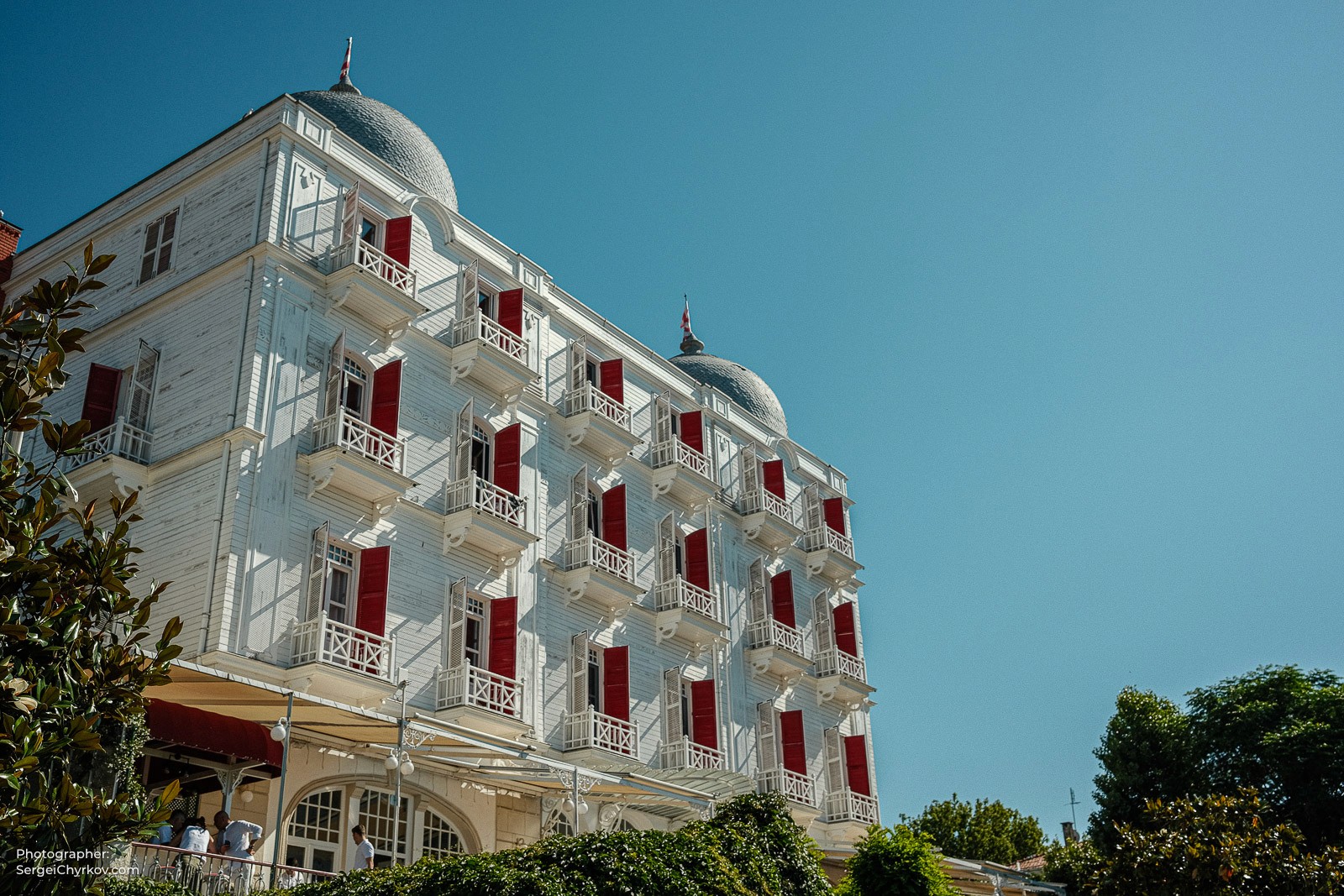
Istanbul ferry. Shot on Fujifilm x100v
Istanbul ferry black and white
Caption sample
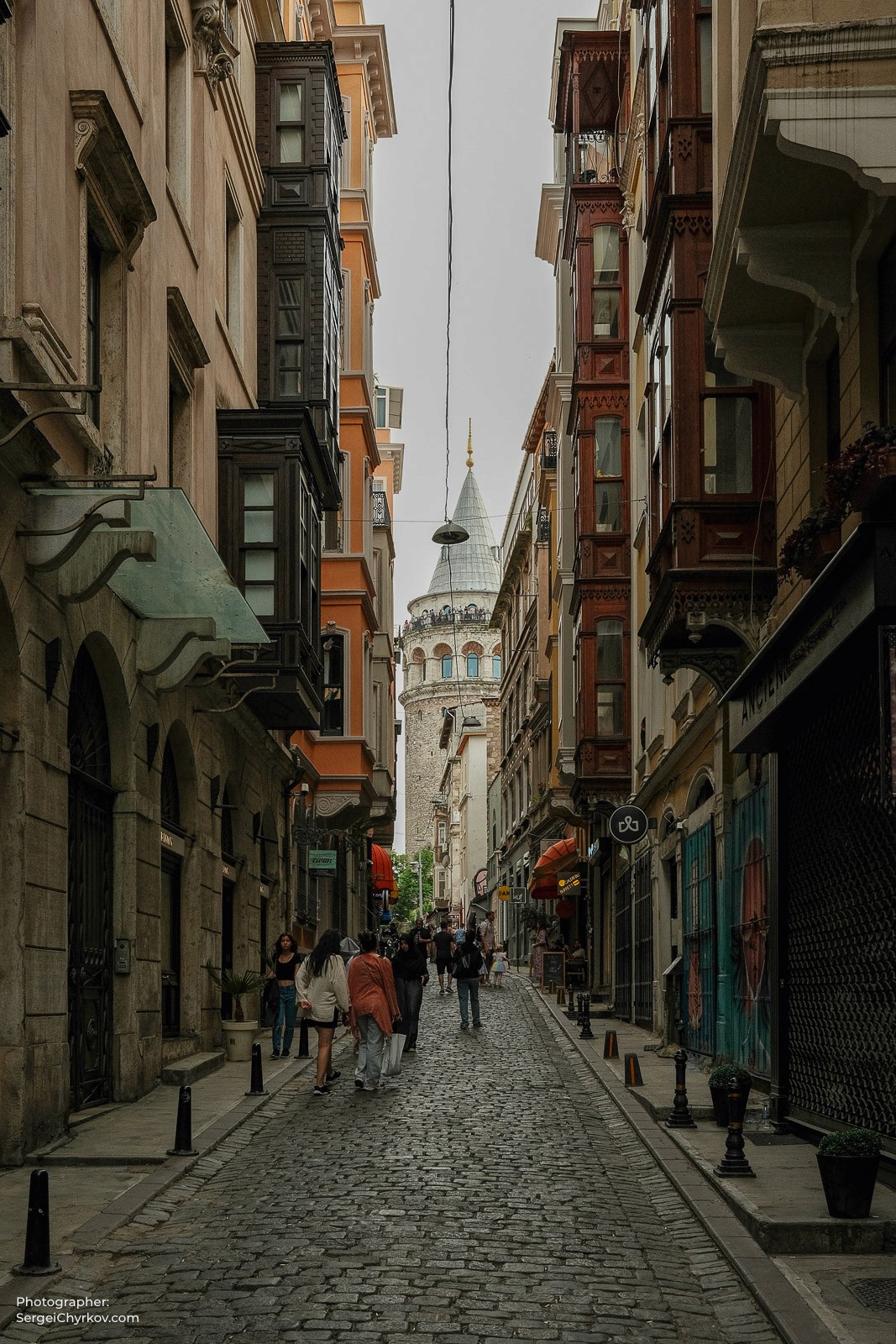
Streets of Instanbul. Photogpraher Sergei Chyrkov
Istanbul ferry. Shot on Fujifilm x100v
Istanbul ferry black and white
Caption sample
Streets of Instanbul. Photogpraher Sergei Chyrkov

Grid Mode

Istanbul in black and white. Photographer: Sergei Chyrkov
Istanbul ferry. Shot on Fujifilm x100v
Istanbul in black and white. Photographer: Sergei Chyrkov
Instanbul. View from Galata port. Photogpraher Sergei Chyrkov
Price Islands. Instanbul. Photogpraher Sergei Chyrkov
Streets of Instanbul. Photogpraher Sergei Chyrkov
Galata Tower. Instanbul. Photogpraher Sergei Chyrkov
Istanbul in black and white. Photographer: Sergei Chyrkov
Istanbul ferry. Shot on Fujifilm x100v
Istanbul in black and white. Photographer: Sergei Chyrkov
Instanbul. View from Galata port. Photogpraher Sergei Chyrkov
Price Islands. Instanbul. Photogpraher Sergei Chyrkov
Streets of Instanbul. Photogpraher Sergei Chyrkov
Galata Tower. Instanbul. Photogpraher Sergei Chyrkov
Istanbul in black and white. Photographer: Sergei Chyrkov
Istanbul ferry. Shot on Fujifilm x100v
Istanbul in black and white. Photographer: Sergei Chyrkov
Instanbul. View from Galata port. Photogpraher Sergei Chyrkov
Price Islands. Instanbul. Photogpraher Sergei Chyrkov
Streets of Instanbul. Photogpraher Sergei Chyrkov
Galata Tower. Instanbul. Photogpraher Sergei Chyrkov
Istanbul in black and white. Photographer: Sergei Chyrkov
Istanbul ferry. Shot on Fujifilm x100v
Istanbul in black and white. Photographer: Sergei Chyrkov
Instanbul. View from Galata port. Photogpraher Sergei Chyrkov
Price Islands. Instanbul. Photogpraher Sergei Chyrkov
Streets of Instanbul. Photogpraher Sergei Chyrkov
Galata Tower. Instanbul. Photogpraher Sergei Chyrkov
Istanbul in black and white. Photographer: Sergei Chyrkov
Istanbul ferry. Shot on Fujifilm x100v
Istanbul in black and white. Photographer: Sergei Chyrkov
Instanbul. View from Galata port. Photogpraher Sergei Chyrkov
Price Islands. Instanbul. Photogpraher Sergei Chyrkov
Streets of Instanbul. Photogpraher Sergei Chyrkov
Galata Tower. Instanbul. Photogpraher Sergei Chyrkov
Istanbul in black and white. Photographer: Sergei Chyrkov
Istanbul ferry. Shot on Fujifilm x100v
Istanbul in black and white. Photographer: Sergei Chyrkov
Instanbul. View from Galata port. Photogpraher Sergei Chyrkov
Price Islands. Instanbul. Photogpraher Sergei Chyrkov
Streets of Instanbul. Photogpraher Sergei Chyrkov
Galata Tower. Instanbul. Photogpraher Sergei Chyrkov

Watch my review

What’s a Lightbox Gallery — and Why Should You Use One?

A lightbox gallery is a sleek, interactive way to display media on your website. Instead of redirecting users to a new page, it opens images, videos, or embeds in a full-screen overlay — keeping visitors focused and immersed.

It’s perfect for:

  • Showcasing design work or photography

  • Highlighting product images

  • Embedding demo videos without clutter

Adding a lightbox gallery not only enhances user experience but also gives your site a modern, professional feel. It’s the little detail that makes a big visual impact — and keeps users engaged longer.

Key Features

Media-Agnostic Lightbox

Supports imagesvideos, and even YouTube embeds out of the box. Your content shines in full-screen, immersive clarity.

Smooth Zoom + Drag

Built-in zoom and drag functionality gives users fine control over media viewing. Great for high-res photos or detailed mockups. Control the height of the media by percentage.

Touch-Optimized UX

Swipe through images on mobile, with buttery-smooth gesture support. Built-in support for touch gestures and keyboard navigation.

Flexible Layout Modes

Choose between Horizontal Scroll or Responsive Grid modes. Fully adjustable columns, spacing, and alignment options. Drag-and-drop support, property controls for instant customization.

Fully Customizable UI

Set your own gallery and lightbox background colors. Upload custom button icons for next, previous, and close – including hover states!

NEW

Captions

Add captions under your image and choose to display in the Lightbox.

Updates

02.12.25

Added a long-waited option to add captions! Now you can easily add captions under your images to display them in the lightbox.

Fixed the issue of thumbnail preview for videos.

15.09.25

Added an option to change Close button position on desktop and mobile. Use left and top padding to place it exactly where you need it.

Fixed the issue of closing Lightbox when clicking outside the image.

11.08.25

Fixed issue with playing embedded videos in Lightbox.

Minor fixes and code optimization.

06.08.25

Added an option to add Thumbnail previews.

Added an option to show/hide scroll bars in Horizontal mode.

Fixed issue with double click in lightbox.

26.06.25

Previously all images loaded 100% height in the Lightbox. Now we added an option to change the height of the media in % to the viewport.

Now you can add captions under your media and control the captions' background color.

Views

views

Powered by

Created and photography by

Create a free website with Framer, the website builder loved by startups, designers and agencies.